
What Are You Looking For?
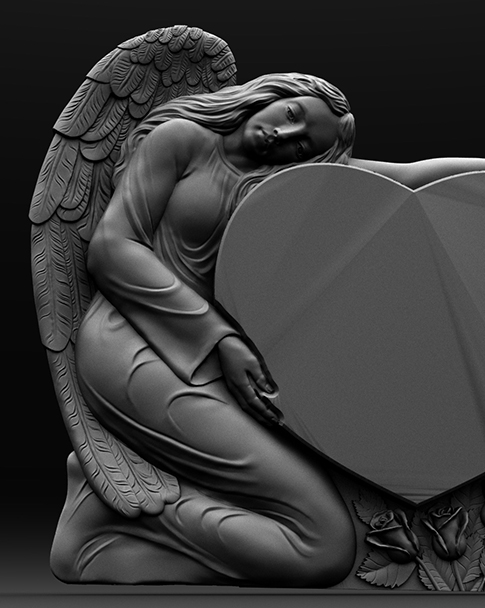

Why Keeping CNC Design and Machine Control Separate Matters
When operating a CNC stone carving machine, you may wonder: Can I install JDpaint, ArtCAM, Type3, or Rhino directly on the machine's control computer?
Technically, some design programs may run on certain control computers. However, JINZUAN Machinery recommends using a separate computer for stone design and toolpath preparation.
The reason is simple: your design computer and CNC control computer have different jobs. Keeping them separate helps reduce software conflicts, protects the machine's operating environment, and makes daily stone carving work easier to manage.
1. Design Computers and CNC Control Computers Have Different Jobs
A CNC stone carving workflow generally involves two stages: preparing the design and executing the machining program.
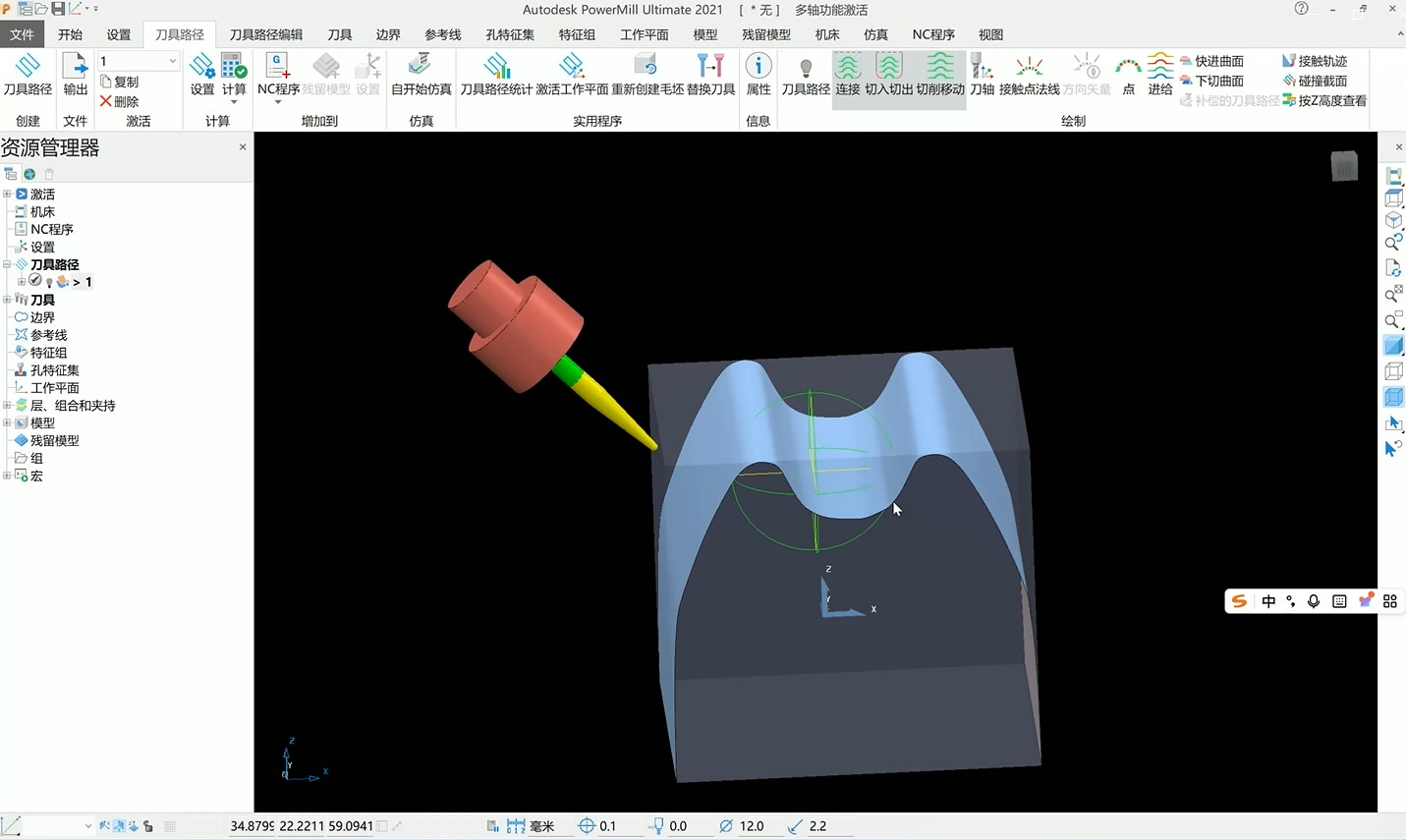
Your design computer handles creative and programming tasks, such as:
- Creating tombstone lettering and decorative patterns
- Designing 2D and 3D stone reliefs
- Preparing column details and architectural stone components
- Generating machining toolpaths with compatible CAM software
- Previewing and adjusting carving programs before production
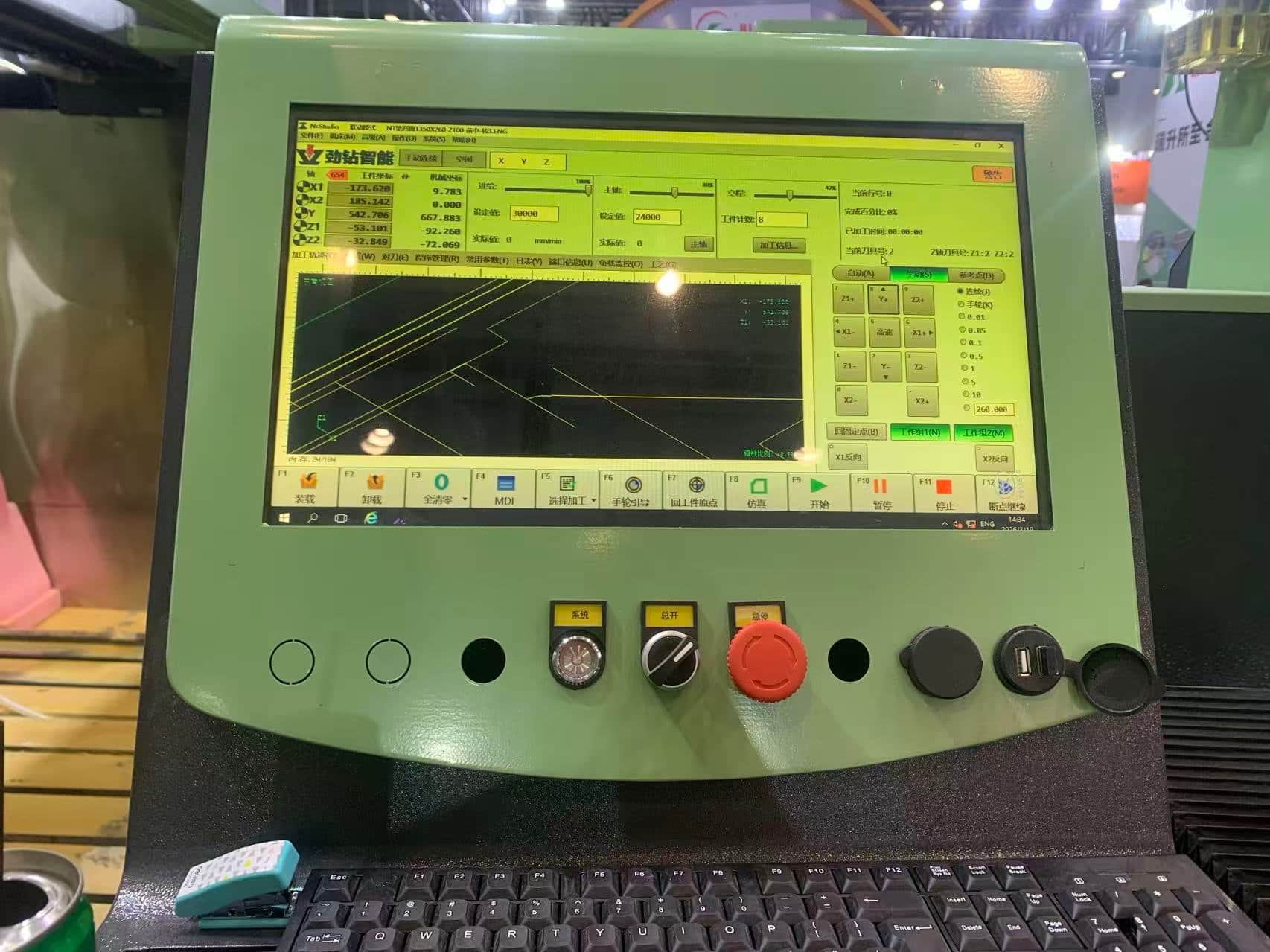
The machine control computer handles machining operations, including:
- Loading and executing compatible CNC programs
- Controlling machine axis movements
- Managing spindle operation and machining parameters
- Monitoring machine status and displaying system information
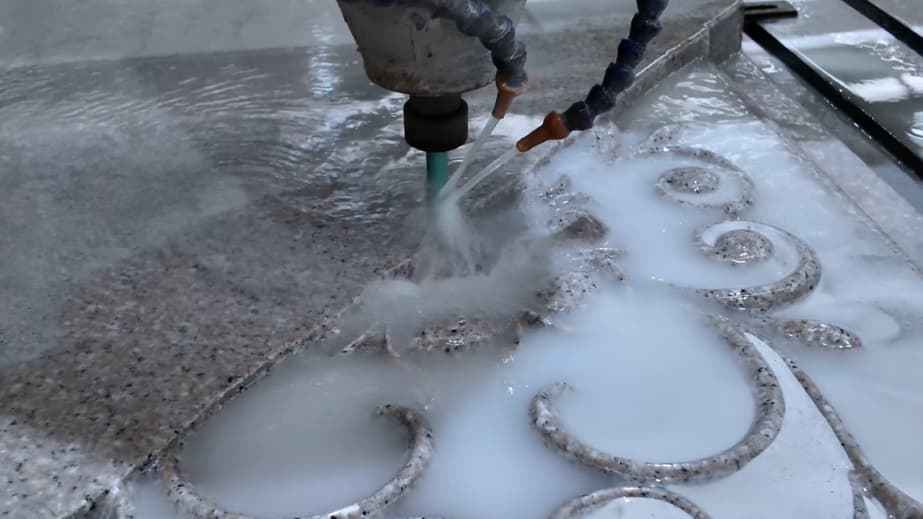
For example, when producing a granite tombstone with lettering and floral reliefs, you can complete the design and toolpath preparation on your office computer. Once the machining file is ready, transfer it to the CNC stone carving machine for production. There is no need to run the entire design process on the machine's control computer.
2. Installing Additional Software May Cause Compatibility Problems
Stone fabrication workshops use different design and CAM software depending on their products and production requirements.
Common programs include JDpaint, ArtCAM, Type3, and Rhino. However, these programs have different system requirements, licensing methods, and software versions.
Installing them directly on a CNC control computer may introduce several problems:
- Operating system incompatibility: Some software versions require operating systems or components that the machine computer does not support.
- Driver conflicts: Additional software or hardware drivers may interfere with the existing control environment.
- Higher resource usage: Large 3D models and complex toolpath calculations may consume substantial memory and processing power.
- Unexpected system changes: Software installations or updates may modify settings needed by the CNC control system.
For a stone carving machine that runs for several hours on a detailed relief project, avoiding unnecessary software changes is particularly important.
3. A Dedicated Control Computer Helps Maintain Stable Machining
Imagine your CNC stone carving machine is halfway through a detailed marble relief. The program has been running for three hours, and the machine is approaching the finishing stage.
Now imagine an unrelated application begins consuming system resources, triggers an unexpected notification, or causes the computer to become unresponsive.
Not every additional program will cause a machining problem, but unnecessary applications introduce risks that can be avoided.
A dedicated CNC control computer helps maintain a more predictable operating environment.
At JINZUAN Machinery, we recommend keeping the machine computer focused on CNC operation rather than using it for web browsing, gaming, office applications, or unrelated software installations.
The goal is not to make the control computer perform more tasks. It is to let the CNC machine perform its primary task reliably.
Using separate computers does not mean making production more complicated. In many workshops, it actually improves efficiency.
For example, while your CNC machine is carving a stone column, your designer can use another computer to prepare the next column pattern or tombstone design.
Once the current machining job is finished, the next program can be transferred to the machine. This arrangement allows design preparation and stone machining to take place simultaneously.
|
Comparison |
Design Software on Control PC |
Separate Design Computer |
|---|---|---|
|
Main function |
Design and machine control combined |
Dedicated design and machine control |
|
Software compatibility |
Additional compatibility checks required |
Greater flexibility for design software |
|
System stability |
More potential software conflicts |
Fewer unnecessary programs on the control PC |
|
Multitasking |
Design may compete with CNC operations |
Design can continue during machining |
|
Troubleshooting |
More complicated software environment |
Easier to isolate design and control issues |
|
Recommended setup |
Generally not recommended |
Recommended by JINZUAN Machinery |
5. How to Transfer Design Files to a CNC Stone Carving Machine
For JINZUAN stone carving machines using a compatible Weihong CNC control configuration, a common workflow involves preparing the design on a separate computer and transferring the machining program to the machine.
Step 1: Create your stone design
Use compatible software to create the required lettering, decorative relief, or architectural stone pattern.
Step 2: Generate the machining toolpath
Select suitable cutting tools, machining strategies, cutting depths, and other parameters according to the stone material and carving requirements.
Step 3: Export the machining program
For compatible Weihong configurations, export the required ENG file using the appropriate post-processing settings. Other CNC systems may require different file formats.
Step 4: Transfer the file using a USB drive
Copy the completed machining program to a USB drive and connect it to the machine control computer.
Step 5: Load and check the program
Open the file in the CNC control system. Verify the machining area, coordinate settings, tool information, and program compatibility.
Step 6: Start carving
After completing the necessary safety checks and confirming the workpiece is properly secured, begin machining. This workflow can be used for many stone carving applications, including granite tombstones, marble reliefs, decorative panels, and architectural stone components.
Final Thoughts: Keep Design Flexible and Machine Control Focused
A CNC stone carving machine is a production tool, and its control computer should be treated as part of that equipment.
Keeping design software on a separate computer gives your workshop more flexibility to create and modify stone designs while maintaining a dedicated environment for CNC machining.
Whether you are producing tombstones, marble reliefs, decorative columns, or architectural stone components, a well-organized design-to-machining workflow can help reduce unnecessary interruptions.
At JINZUAN Machinery, we provide CNC stone carving machines for different stone processing applications, along with guidance on machine operation and compatible machining workflows.
If you are unsure which design software or file format is suitable for your machine, contact our team for assistance before installing additional programs.
leave a message
Scan to Wechat :

Scan to WhatsApp :






 IPv6 network supported