How to Restart a Stone CNC Machine After Long-Term Downtime Without Damaging It
Aug 03, 2026
A durable stone carving machine is built for continuous industrial production, but there are times when it has to sit idle—during holidays, factory relocation, seasonal demand changes, or overseas transportation.
Many operators make the same mistake: they switch the machine on and immediately begin machining. Unfortunately, that's one of the fastest ways to shorten the life of expensive components such as the spindle, linear guides, ball screws, pumps, and electronic control system.
In this guide, we'll explain what happens to a machine during long periods of inactivity, the five essential inspections before restarting, and several maintenance tips that can help prevent costly downtime.
Why Is Restarting an Idle CNC Machine Different?
A machine that hasn't operated for several weeks isn't in the same condition as one that was running yesterday.
During downtime:
Lubricating oil gradually drains away or thickens.
Cooling water becomes contaminated.
Dust accumulates inside electrical cabinets.
Moisture may condense on electronic components.
Bearings and guide rails remain stationary for long periods.
Rubber seals begin to harden.
None of these problems may be visible from the outside, but together they can seriously affect machining accuracy and machine reliability. Instead of assuming everything is normal, spend a few minutes inspecting the machine before production starts.
Five Essential Checks Before Restarting
1. Clean Dust from the Entire Machine
Dust is more than a cosmetic issue. Stone dust is extremely fine and often mixes with moisture, creating conductive deposits that may affect electrical components.
Pay particular attention to:
Control cabinet interior
Driver heat sinks
PLC and control boards
Limit switches
Cable connectors
Sensor surfaces
Use clean compressed air or a soft vacuum designed for electrical equipment. Avoid using excessive air pressure directly on sensitive circuit boards.
2. Replace the Cooling Water
If your water chiller has been idle for weeks, the coolant should be replaced before operation.
Old water can contain:
Bacteria
Algae
Mineral deposits
Suspended particles
These contaminants reduce cooling efficiency and may eventually clog the spindle cooling system.
For best results:
Drain the old water completely.
Flush the system if necessary.
Refill with purified water or the recommended coolant.
Check the water pump for proper circulation.
Avoid untreated tap water whenever possible, especially in regions with hard water.
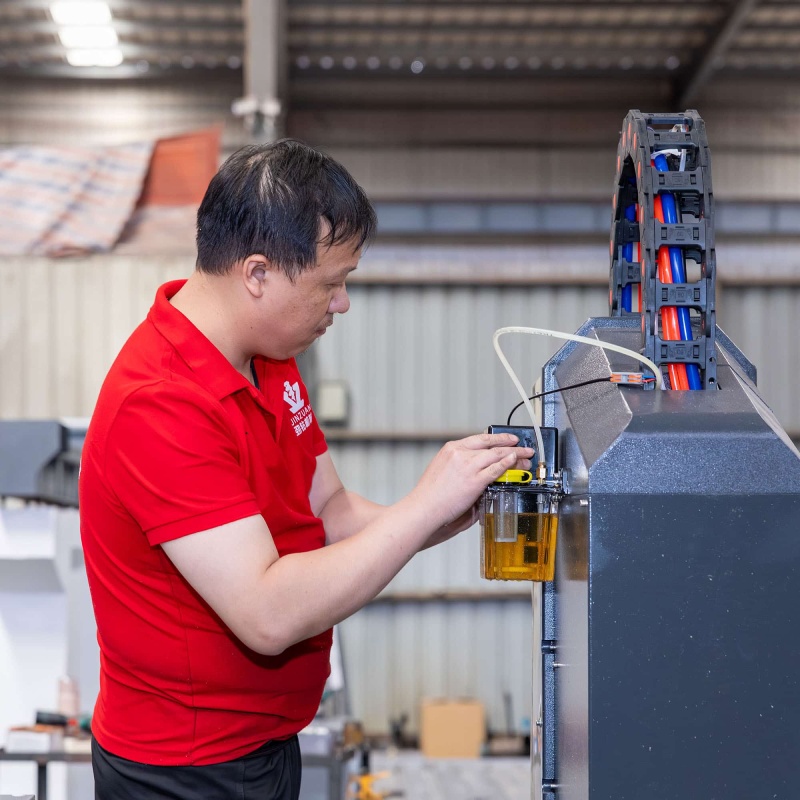
3. Relubricate Guide Rails and Ball Screws
Lubrication is critical for motion accuracy. After weeks of inactivity, the oil film protecting guide rails and ball screws may no longer provide sufficient lubrication.
Before machining:
Apply fresh lubricant.
Move each axis slowly across its full travel.
Allow lubricant to spread evenly.
Verify that automatic lubrication systems are functioning correctly.
Running dry guide rails—even for only a few minutes—can accelerate wear and reduce positioning accuracy.
4. Power On and Inspect the Control System
Once mechanical maintenance is complete, power up the machine carefully instead of immediately loading a machining program.
Check:
Servo driver status
Alarm messages
Axis reference positions
Emergency stop button
Limit switch indicators
Cooling fan operation
Air pressure (if applicable)
If any alarm appears, identify and solve the problem before continuing. A quick inspection now can prevent much larger failures later.
5. Perform a Warm-Up Run
Even if everything appears normal, avoid starting production immediately.
Instead:
Jog every axis slowly.
Run a simple test program.
Operate the spindle at low speed first.
Gradually increase spindle speed.
Observe vibration and machine movement.
Listen carefully for unusual noises.
This warm-up process allows bearings, lubrication, and mechanical components to return to normal operating conditions. If anything sounds unusual, stop immediately and investigate before continuing production.
Recommended Restart Checklist
Inspection Item
What to Check
Recommended Action
Machine Cleaning
Dust, debris, electrical cabinet
Clean thoroughly before power-on
Cooling System
Water quality and circulation
Replace coolant and inspect pump
Lubrication
Rails, ball screws, lubrication pump
Add fresh lubricant and test movement
Electrical System
Alarms, limit switches, emergency stop
Verify normal operation
Motion Test
Axis movement and spindle rotation
Warm up for 5–10 minutes before machining
How Long Can a CNC Stone Machine Sit Idle?
There isn't a universal answer because the environment matters.
Generally speaking:
Idle Time
Recommended Maintenance
Less than 1 week
Basic inspection before operation
1–4 weeks
Clean, lubricate, replace cooling water
More than 1 month
Complete restart inspection and warm-up procedure
More than 3 months
Comprehensive mechanical and electrical inspection before production
Preventive Maintenance Is Better Than Repair
If your machine remains idle for an extended period, a little routine maintenance can make a big difference.
Good practices include:
Power on the machine once every month.
Jog each axis for about 10 minutes.
Run the spindle briefly at low speed.
Check coolant circulation.
Verify the automatic lubrication system.
Keep the electrical cabinet dry and sealed.
These simple actions help maintain lubrication, reduce moisture accumulation, and keep the electrical system in good condition.
Common Restart Mistakes to Avoid
Many machine failures after long downtime are caused by simple oversights.
Avoid these common mistakes:
Starting production immediately after power-on
Forgetting to replace old cooling water
Ignoring lubrication before movement
Running the spindle at full speed without warming up
Skipping alarm and sensor checks
Assuming the machine is fine because it "looks clean"
Taking 20–30 minutes for inspection can save hours—or even days—of unexpected downtime.
Conclusion
Restarting a industrial stone CNC router after a long idle period isn't simply a matter of pressing the power button. Dust, degraded coolant, dried lubrication, and hidden electrical issues can all affect machining precision and machine lifespan.
By following a structured restart procedure—cleaning the machine, replacing coolant, relubricating moving parts, inspecting the control system, and performing a proper warm-up—you can reduce the risk of costly breakdowns and ensure the machine returns to production safely.
For manufacturers that rely on consistent precision and reliable uptime, a careful restart routine is one of the simplest and most cost-effective maintenance practices.
Read More










 IPv6 network supported